About Me

My photo
Hiya I'm Tonya! I'm an avid psper, have been for a few years and finally have me a blog that I've been working on slowly getting stuff added to. I started writing tuts and recently started making masks and templates. I LOVE to see creations you've made with my things, if you'd like to email me please do so at aquaspinner@gmail.com ................................................. My TOU are as follows: All of my items are personal use only NO Commercial Use, please do not share (distribute) my stuff in groups, just send people here to grab please. ♥ Tutorial writers, if you wish to use my stuff in your tutorials, of course I am honored! You're more than welcome to use my stuff in them, I only require that you link to me and send people here to grab the goodies that you are using in the tut. ................................................. Hope you'll enjoy what I have for ya and thanks for stopping by. ♥

Cluster Frame TOU

Thank you SO much for being so interested in my cluster frames. I love that you enjoy using them.

However I do have a request, please do NOT credit me as the cluster frame on your tags. Although I assembled it, I do not believe I deserve any such credit. If anything, please list Scrapkit by, (assuming you didn't add other bit by a different designer to your tag of course). I'd prefer not be given credit for simply assembling the cluster frame. Thank you ♥

My Artist CTs ♥

CDO_Blinkie-vi

My CTs ♥

LHDCTBlinkiieRD-blinkie_CT_zpsx9belyds

My Guest CTs ♥

patty1_bybrandi1

Followers

Sunday, August 16, 2020
CDO CT Tag featuring the magical art of Jasmine Becket-Griffith in a dream of a fantasy land as she wishes up on the moonstone she carries.  The times are such out there right now that often we wonder what if we could slip into the magic of a fantasy land, where the sparkles glimmer wherever you go, the sweet smell of flora sprinkled everywhere you go and the light shines to make sure your path is never shrouded in darkness.  You can purchase this amazing package here at CDO, or this tube individually here.  I paired it up with an amazing kit called Fantasy Dream by Karmalized Scraps, which also can be purchased at CDO here.


I also made a few snag tag extras, just click to view full-size to right click and save.  Please remember these are for personal usage only.  They may not be altered or modified in any way.


I also have a matching wallpaper as well:


You can download it here in size 1920x1080.  As with my snags, this is personal usage only and may not be altered or modified in any way. 


Saturday, August 15, 2020
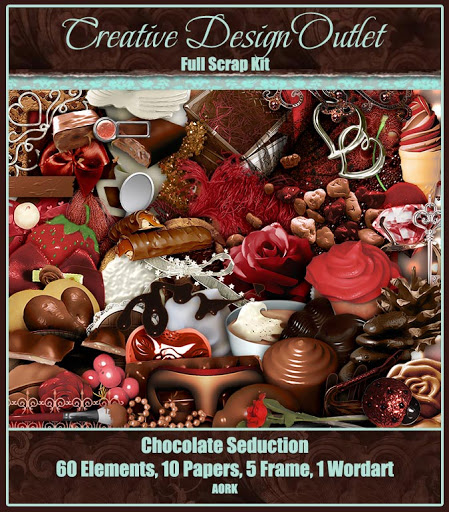
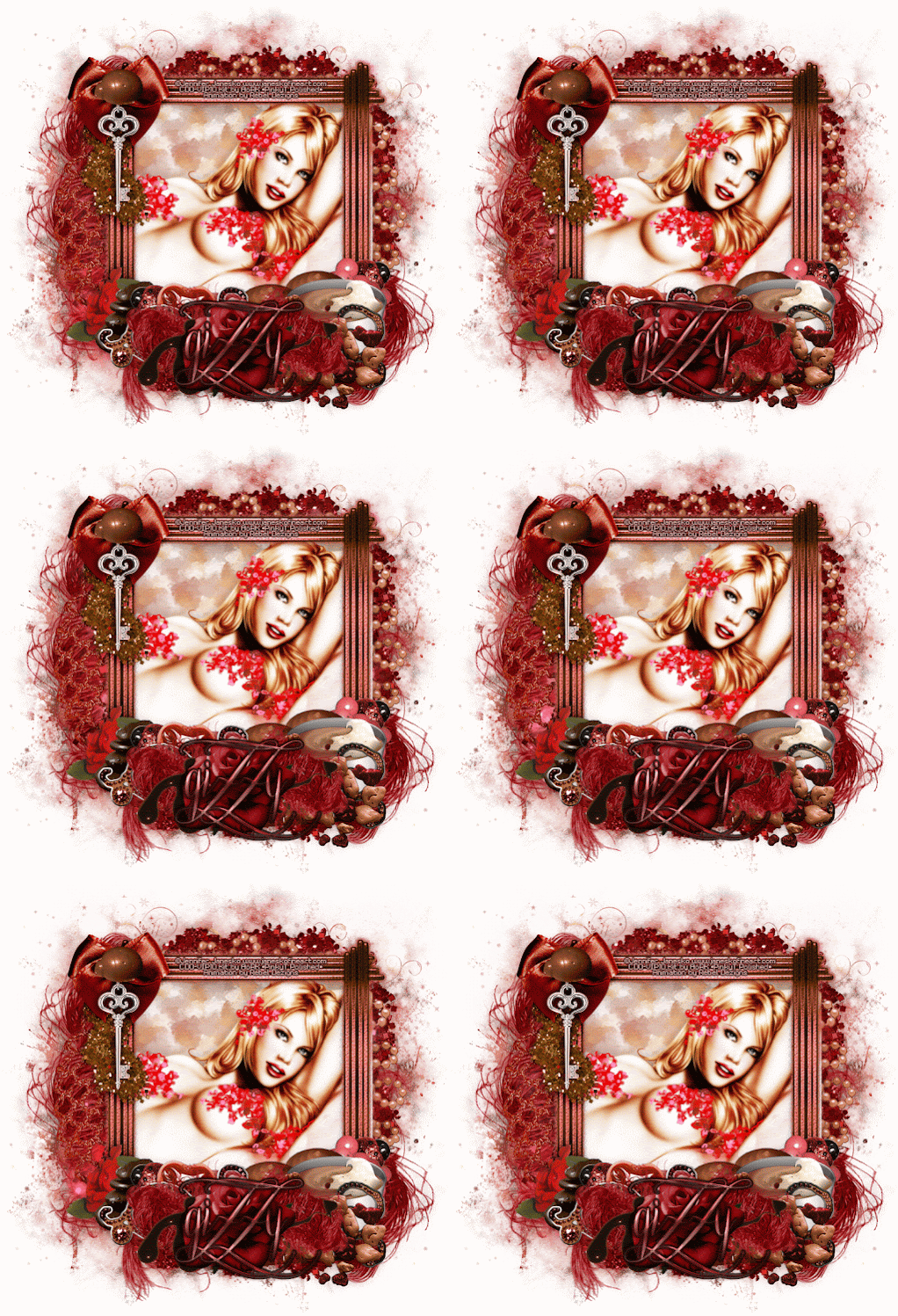
Animated tag creation featuring the amazing art of Jennifer Janesko and a scrumptuous kit featuring the LOVE of chocolate and all things sweet!  Is there anything like the smooth and creamy delight of that perfect cup of hot chocolate to soothe the tired soul and refresh the mind, body and spirit.  So enjoy a sweet chocolate treat with that cup of sweet chocolate joy.  You can purchase this amazing kit here at CDO.


With this kit, I used the amazing art of Jennifer Janesko, whose art tubes can be purchased at CDO here.


I paired it up with an amazing animation package, so sparkly and fun!  You can purchase package 437 here at CDO as well.



I also made this into a non-animated wallpaper as well:
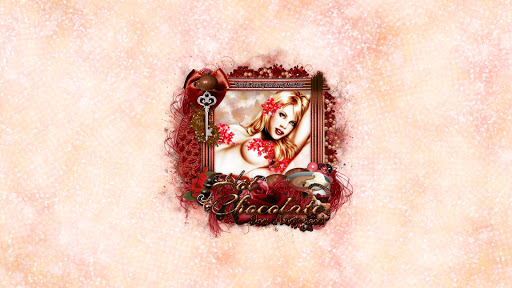

You can download it here, in size 1920x1080.  Please remember my wallpapers are for personal usage only and may not be modified or altered in any way. 


This tutorial was written by Tonya of Tonya's Temptations on 8/15/20 in PSP X5, however any version should work fine.  Any resemblance to any other creation out there is purely coincidental and unintended.  Please do not copy my tutorial either in full, or in part, or claim as your own. Please do not re-distribute my tutorial.  There is no scrapkits harmed in the creation of this.

This is a good ole OLD SCHOOL tutorial - there are so many pretty effects within PSP and although scrapkits are beautiful, sometimes all you need is a stunning tube!

Okay so supplies:
•  I am using the amazing art of Sheena Pike whose art tube can be purchased here at CDO, although any tube will work.  Please do not use Sheena's art without a license to do so.
•  Mask by Staci of Moonbeams & Spiderwebs here
•  Brush(es) of choice - optional of course!
•  Filters I used are Mura Meister Copies and DSB Flux plus any you use for your font effects
•  Font of choice, I used Brotherhood Script

Let's get started!    

•  Open a new canvas on PSP any size will do, but I did mine at 700x350 this is a forum banner style tag

•  Place tube on canvas, I sized mine down by 60% and I moved down on the canvas just a scoatch...

•  Duplicate the tube and apply Mura Meister's Copies filter like so, I used the Wallpaper (rotate) setting, default settings but make sure you change the 3rd dropdown box to lighten, you may not get the same effect if you do not.  Send this layer to bottom above Background layer. 


•  Duplicate this three times and Mirror the first duplicate and change blend mode to Soft Light or one to your liking

•  On the second duplicate (so the one above the mirrored one) change to Screen blend mode, lower the opacity to your liking, mine is at 53

•  On the third duplicate apply motion blur, I used the following settings repeat the motion blur 2 more times, you'll see why.  Change blend mode to Hard Light.  


•  You should have a total of 4 layers now of your 'background'  - one regular, one mirrored, one with screen effect, and one motion blurred. 

•  Remember your tube?  Well let's paste it in for a few overlay effects.  I pasted it again, this time only sizing down by 80%, put one on one of the sides then duplicate and mirror it.  I then applied blend mode of Burn at 34%

•  Now!  Remember that main tube layer you pasted right at the start?  Duplicate her and move it below the main tube you'll have.  Apply a Gaussian Blur of about 10.  (Adjust > Blur > Gaussian Blur in X5, should be similar in other versions).  

•  On the blurred tube copy, we are going to apply Feedback effect - Effects > Reflection Effects > Feedback and apply the following settings. 


•  Drag the effect all the way over to the right side of your canvas, make sure this layer is underneath your main tube layer on top.  Duplicate it and mirror, merge down so they are on the same layer.  Change the blend mode to Screen, leave at 100%

•  Duplicate the layer and change blend mode to Soft Light, or whatever you think looks good.

•  Almost done I promise!  Come on you can do this!

•  Remember those 4 layers of the background?  Select all of them, click the Link button on your layer palette, like so and press it:


•  Go to Layers > View > Show Link Set - this enables you to grab ONLY the layers you want to see, and you should now see your background effect, no tube, just effect.  Go to Edit > Copy Special > Copy Merged.

•  Now click undo until you see everything again after you have your copy merged grouping, paste that layer above the copy of the tubes you put above the ones that were on the sides.  Apply Staci's mask that I used (or any to your liking really).  I applied Overlay blend mode to it.

•  On top of ALL of your other layers, including the tube, paste the copy merged again.  Select All, contract by 2 and hit delete.

•  Under this layer, add a solid color with your flood fill tool, I chose a darker color from my tube.  Select all, contract by 4 and hit delete, select none.  On this layer, go to Effects > Edge Effects > Enhance More.  I also applied DSB Flux Bright Noise to this because I like sparkles LOL.  I chose Mix option and a higher number, mine was at 65.

•  If you wish, I also added a blank layer above the mask, grabbed my brush tool and added a texturey brush, using a darker color from my tube, not needed but it added a smidgen of darker effect for my background.  I put the blend mode at Overlay.

•  Add drop shadow to your tube and the frame layer you made.

•  Add legible credits so they are readable at first glance.

•  Add any text or wording that you wish at this point. 

•  Save and you are DONE!!!!


I hope you have enjoyed this tutorial and I didn't confuse you tooooooo much.  I love my blend modes as you can tell, you can add so much depth with them!


Monday, August 10, 2020
CDO CT tag and timeline set featuring the adorable new package by Howard Robinson which was just released today and oh my goodness how adorable these are, you definitely feel like you have stepped into the animal kingdom, a wild tropical paradise of our feathered friends, and the peaceful nature of all things animal.  We can learn so much from the animals how happy they are and they give so much love back to us humans (but maybe look out for the snake behind the trees peeking up!)  Enjoy a visit to the animal kingdom as you play with these gorgeous tubes!  You can purchase the whole package here at CDO.  I paired it up with a fantastic kit by Karmalized Scraps called Wild Amazon that seemed to fit them perfectly as well.  You can purchase her kit exclusively here at CDO

Also be sure to check out the bonus tube on offer too of his, it is soooooooooooo cute!  You can get it, if you purchase $10 of his art tubes, after any discounts are applied and in ONE order.  Check out his tubes here at CDO.


I also have a set of snag extras to match the tag, just click to view full size to right click and save.  Please remember my snags are only for personal usage and may not be modified or altered in any way.  


I also have a wallpaper I made to match:


You can download the wallpaper here, in size 1920x1080.  Please remember, as with my snags, this is for personal usage only and may not be modified or edited in any way.


Sunday, August 9, 2020
CDO CT tag featuring the amazing art of Anna Liwanag, a stunning mermaid with ethereal beauty.  She sees the sea, not just the water that flows around her, she sees it all, the dark mysteries of the sea, the sunlight that glistens on the flowing water and all of the secrets that it keeps.  This is where her heart and soul resides, so mysterious as to what she holds, but so beautiful at the same time.  You can purchase this package here at CDO exclusively, or you can get the individual tube here.  I also paired this up with an amazing sea-themed scrapkit by Ladyhawwk Designs that seemed to match it perfectly.  You can purchase her kit exclusively at CDO here.


I have also made a matching set of snag tag extras, just click to view full size to right click and save.  My snags are for personal usage only and may not be edited or altered in any way.


I also made a matching wallpaper:


You can download it here, in size 1920x1080.  Please note this is personal usage only and just like my snags, they are to be used as-is and may not be edited or modified.


Tuesday, August 4, 2020
Animated tag creation featuring the amazing art of Andreea Cernestean telling of the dark secrets that we keep.  Who will ever be able to know them?  What becomes of those that betray our secrets, only the skeletons will know and they will tell no one....  The dark of night sparkles with the shine of the moon to light the way as the secrets unfold only unto our soul where they are kept so safe.  You can purchase this amazing tube here at CDO.  With it, I used a darkly gorgeous kit by Whisprd Dreamz which is available for purchase here too, and a sparkling animation from Rebel Dezigns which can be purchased here as well.


I have also made a matching non-animated wallpaper:


You can download it here, in size 1920x1080.  Please remember my wallpapers may not be altered or edited in any way, and are for personal usage only.


Sunday, August 2, 2020
CT Tag featuring the beautiful art of Sybile Art and a wonderful kit by Ladyhawwk Designs.  No matter where we go, what we do, we always carry those that we love with us in our hearts.  Though distance may separate us, the true treasure of friendship is never apart from us and we are never alone.  You can purchase this amazing kit by Ladyhawwk Designs here at CDO.


With this kit, I used the amazing art of Sybile Art, whose art tubes are available for purchase here at CDO.


I also made a matching wallpaper:


You can download it here, in size 1920x1080 here.  Please remember my wallpapers are for personal usage only and may not be altered or edited in any way.


Grab My Blinkie

Labels

Leave Some Lovin'

Search This Blog

Blog Archive

Total Pageviews